
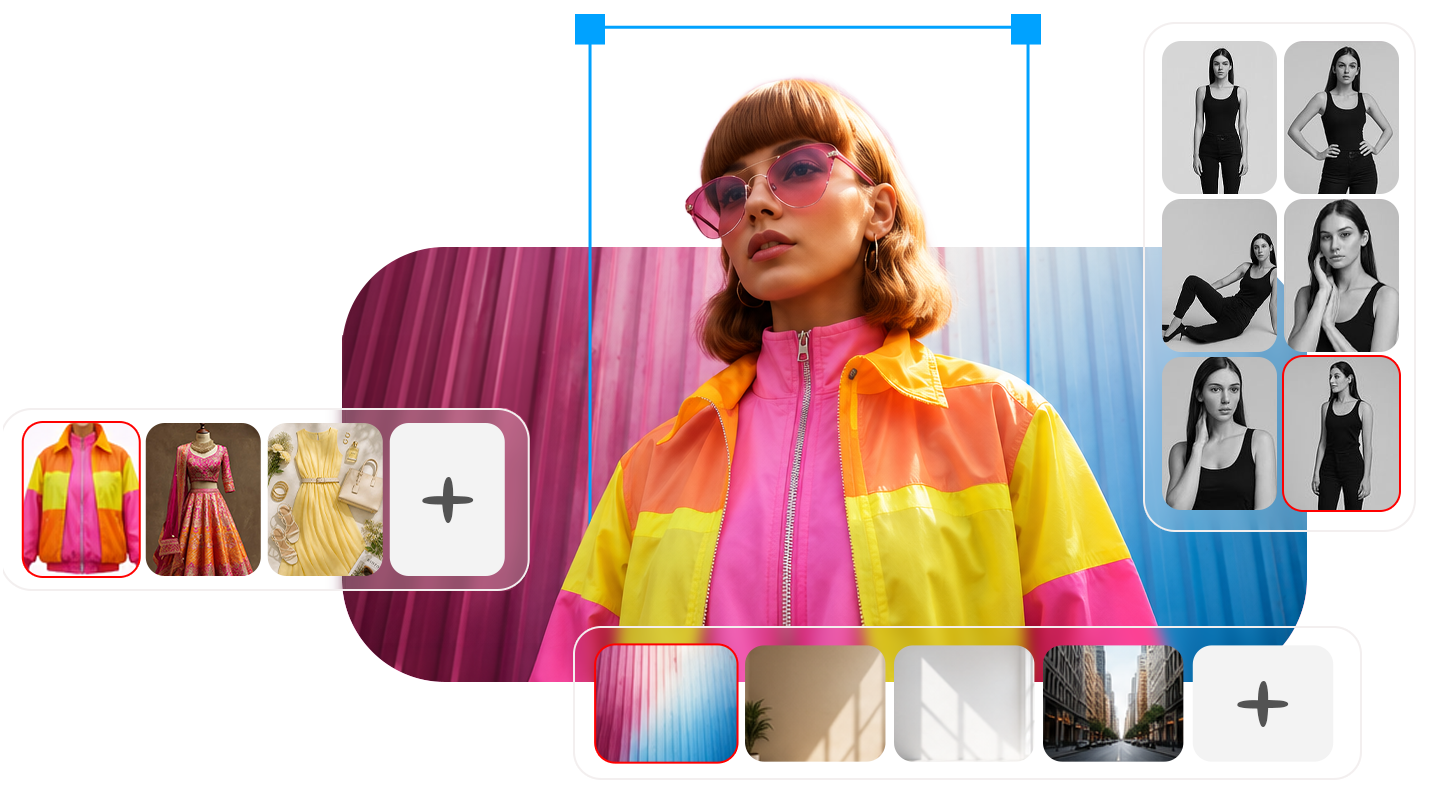
See it. Wear it. Love it.
Upload a Selfie. Try any Outfit, on any Pose, in any Background. Create your Look -
no camera, no stylist, no studio.
Free to use, with earned credits.
From Selfie to Shoot
in Three Simple Steps
However you like to start, it always comes back to the same idea: one Model, endless Looks.
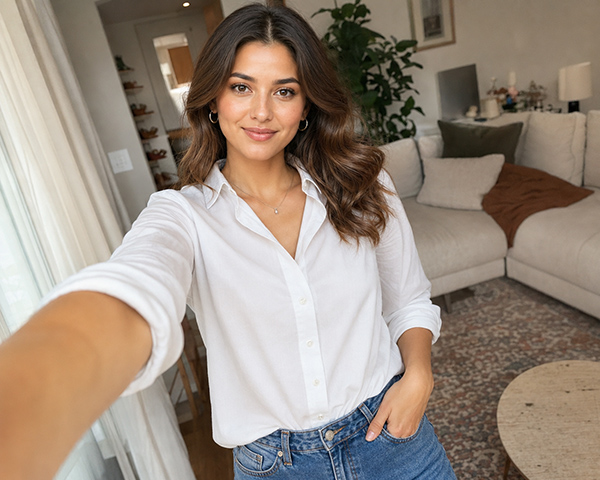
Start with
a Selfie
Your Selfie becomes your Model, or you can build one from scratch.
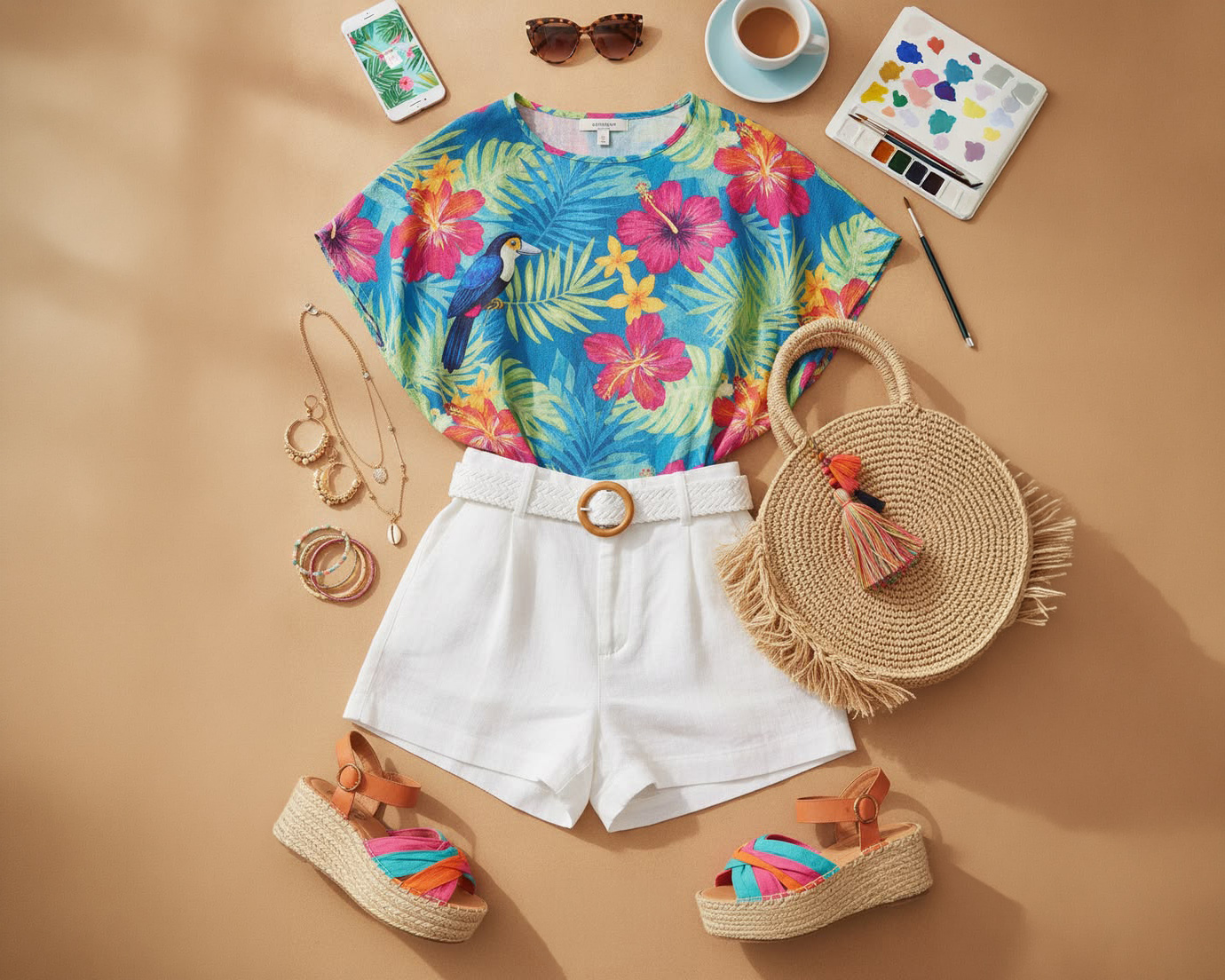
Add an
Outfit
From the gallery, or your own references. Add a Pose and Background.
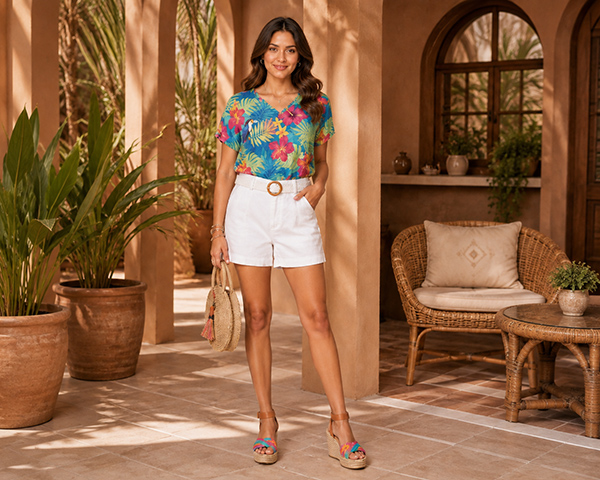
Create your
Look
Then keep going. Same Model, as many Looks as you like.
However you want to see it
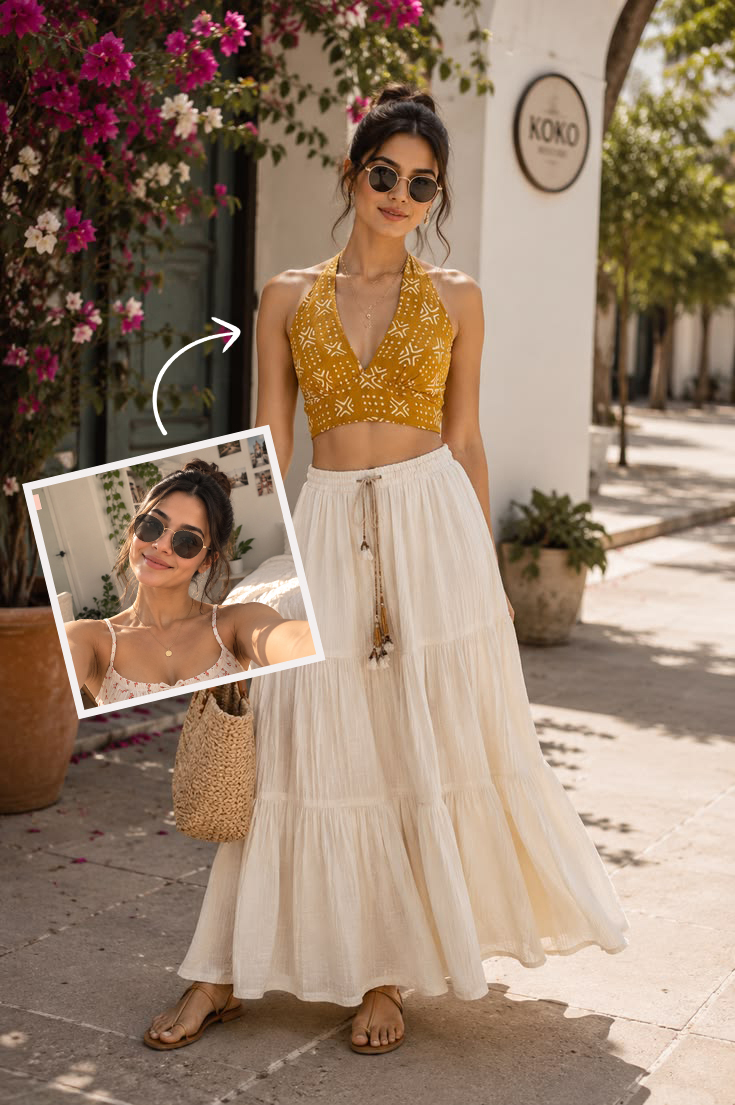
Try-On
See yourself in any Outfit, instantly.
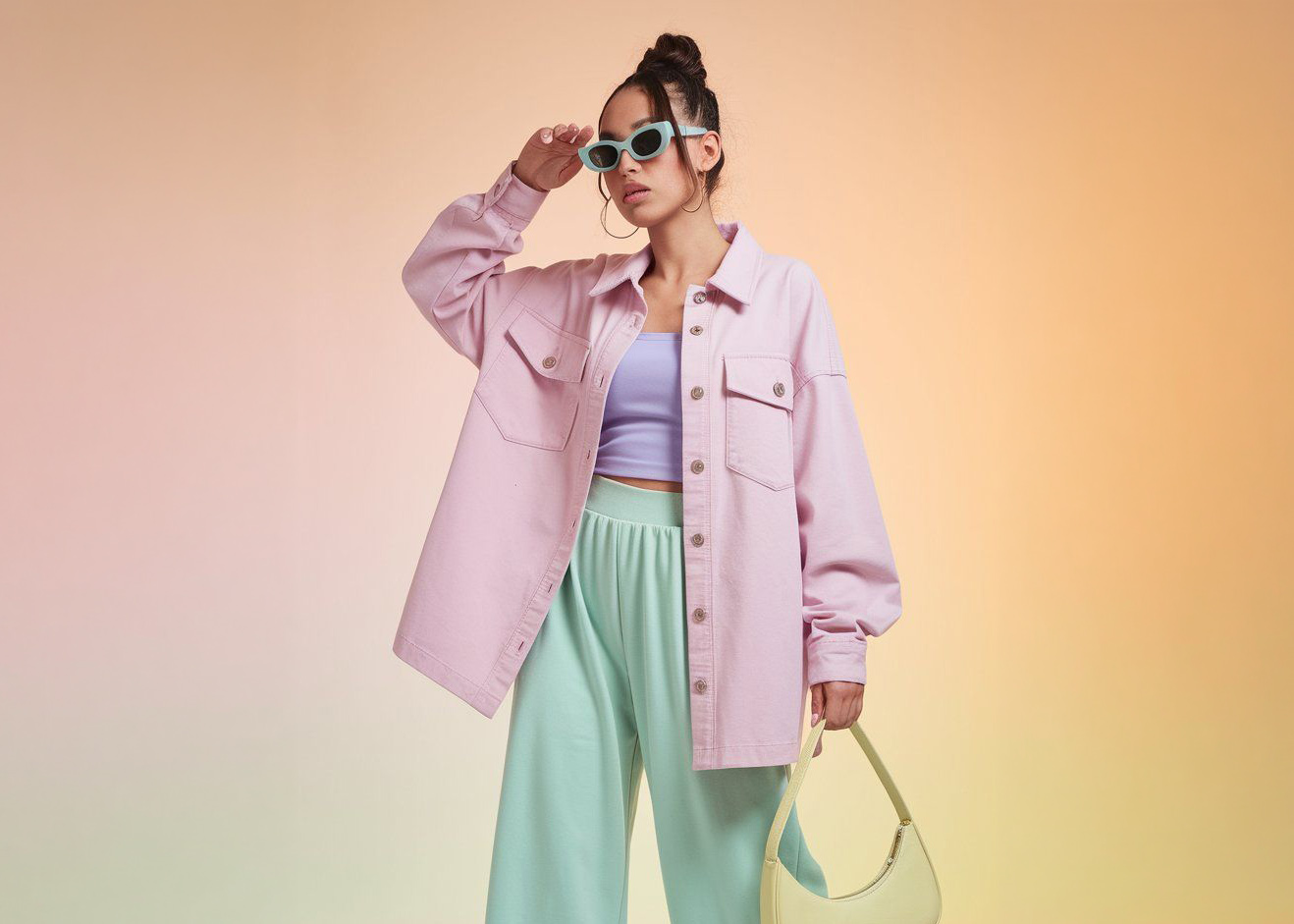
Outfit on Model
Put any Outfit on a Model — no photoshoot required.
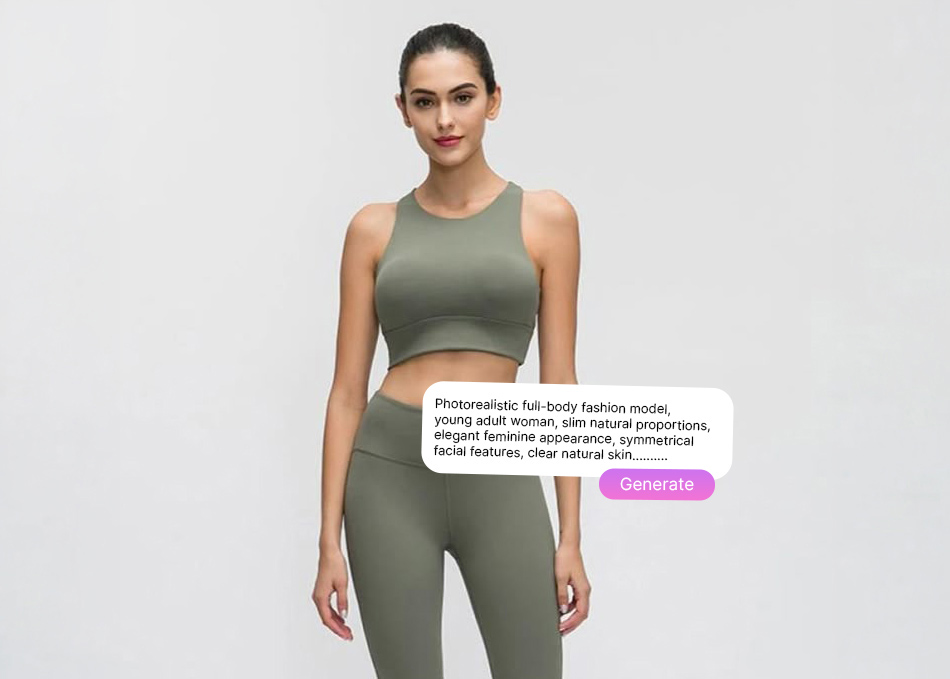
Create Model
Build a Model from scratch from text, or from a photo.
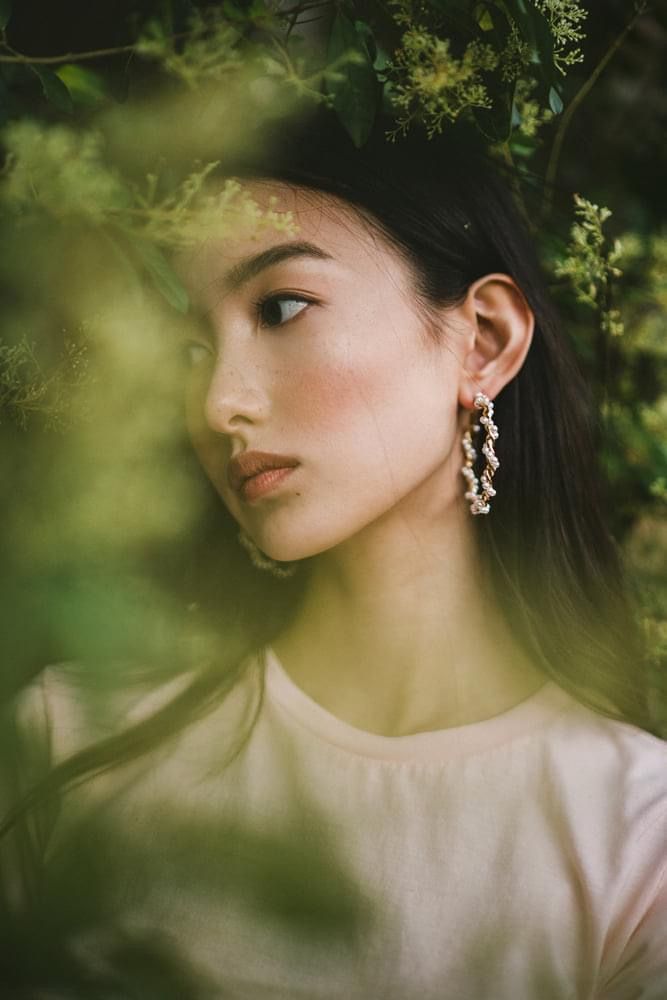
Curious,
What Else You Can Create?
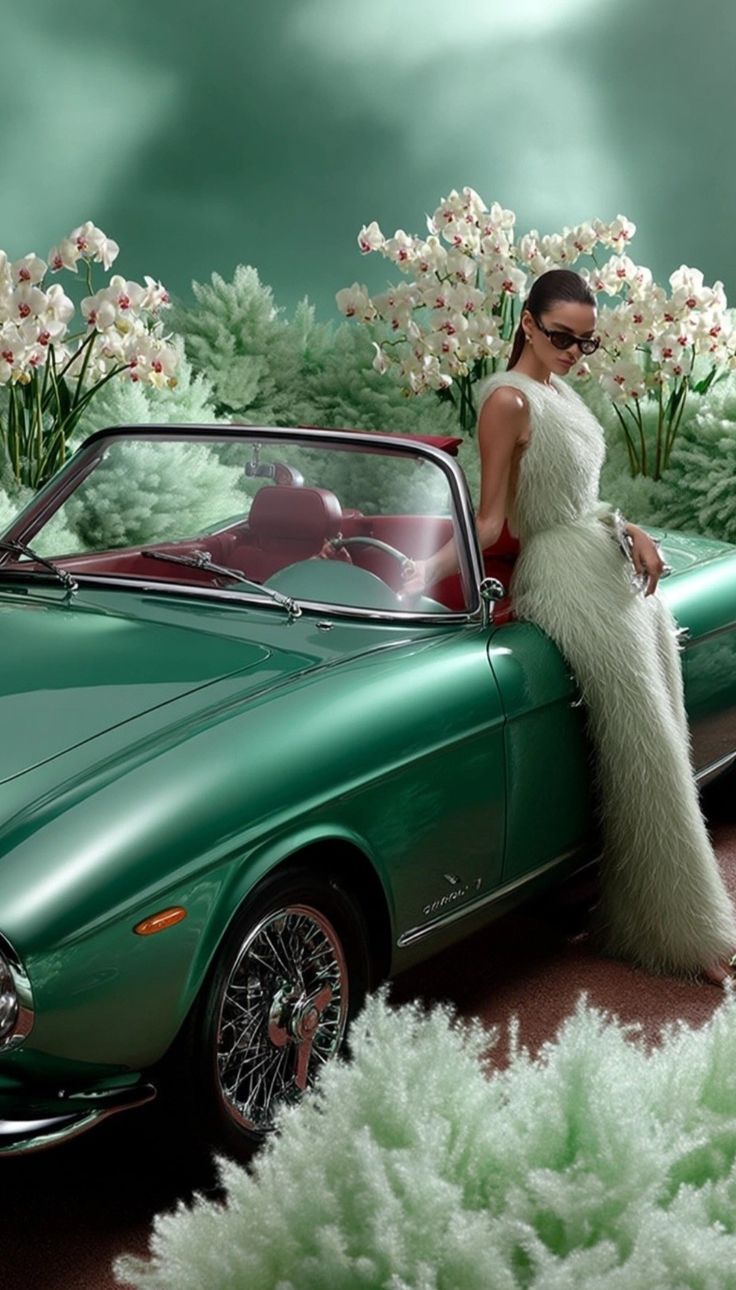
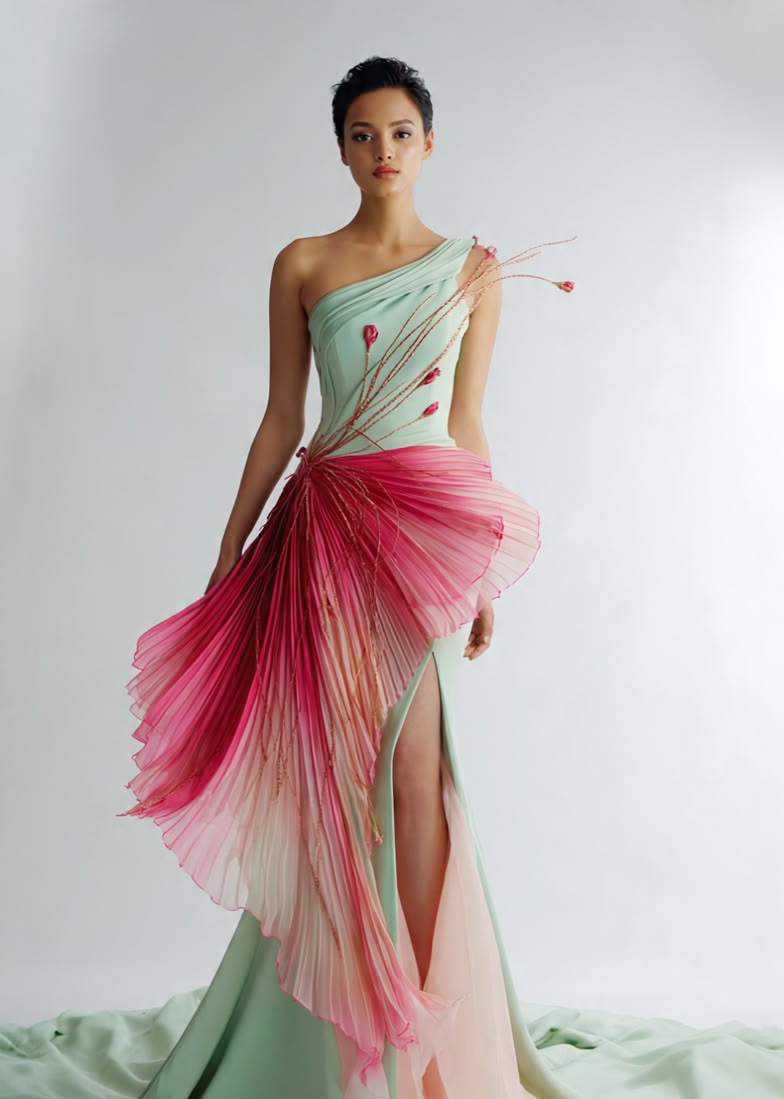
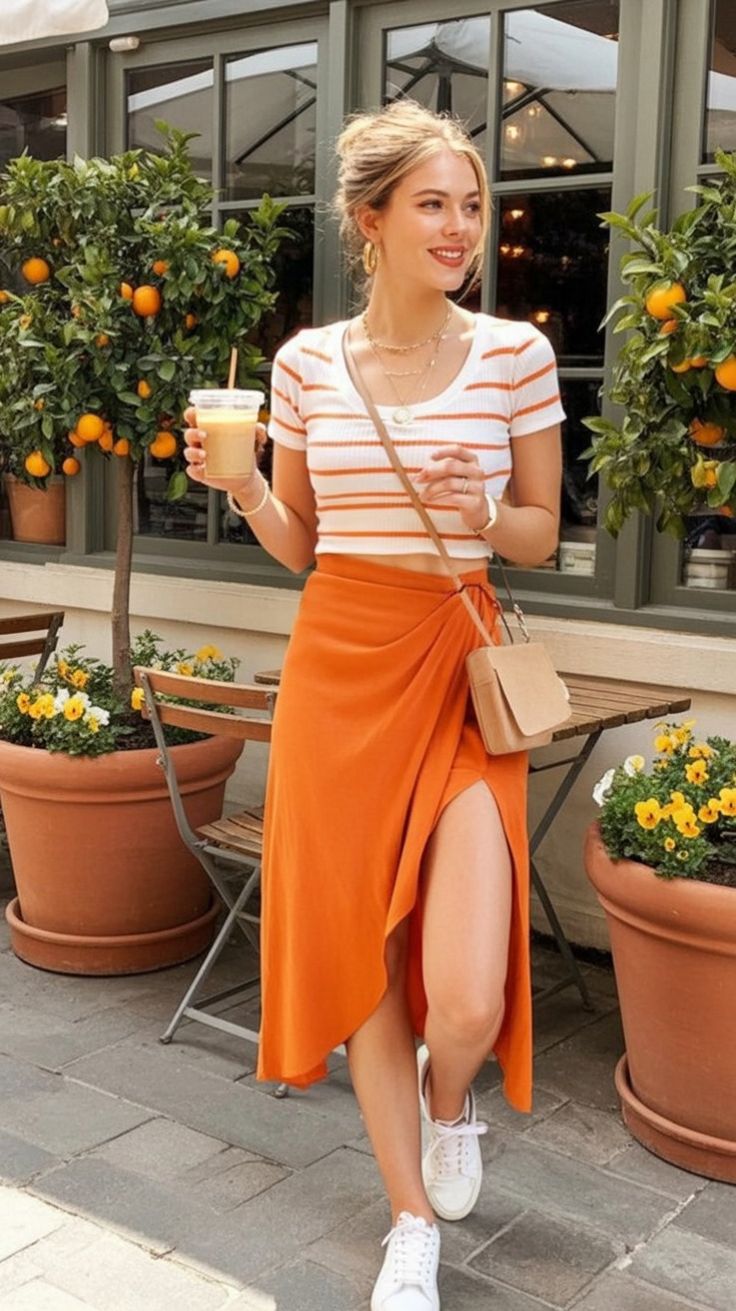
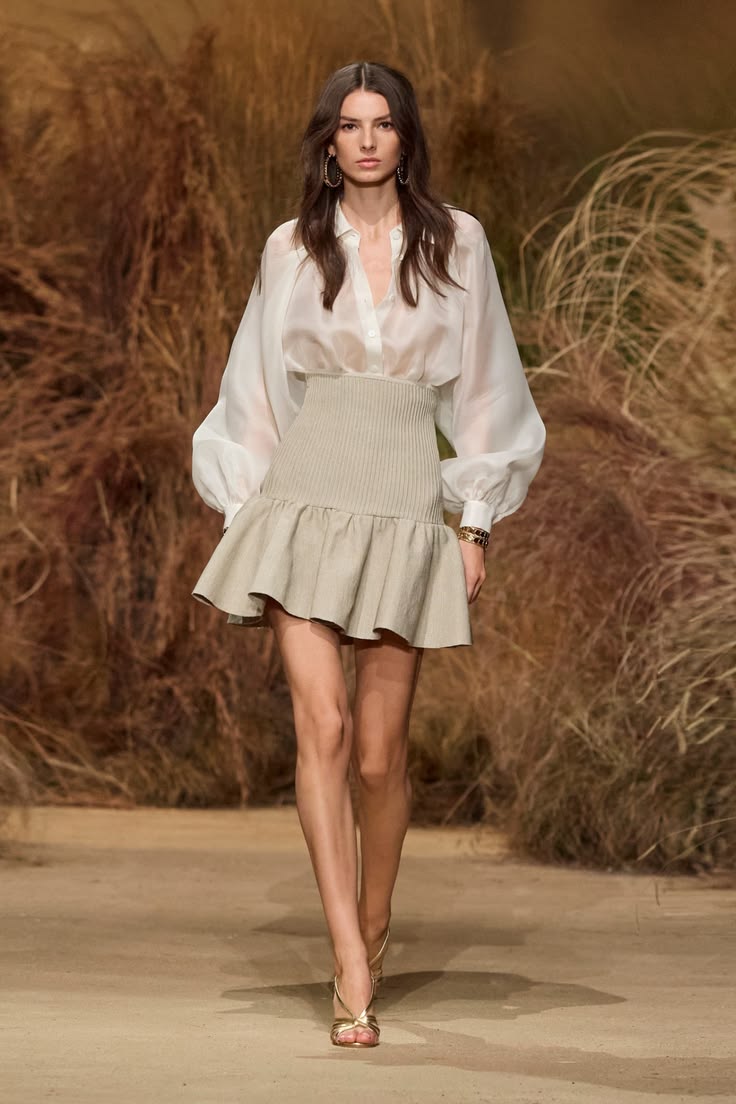
More Looks, more styles - see them all in Explore.


A few things you
might wonder about.
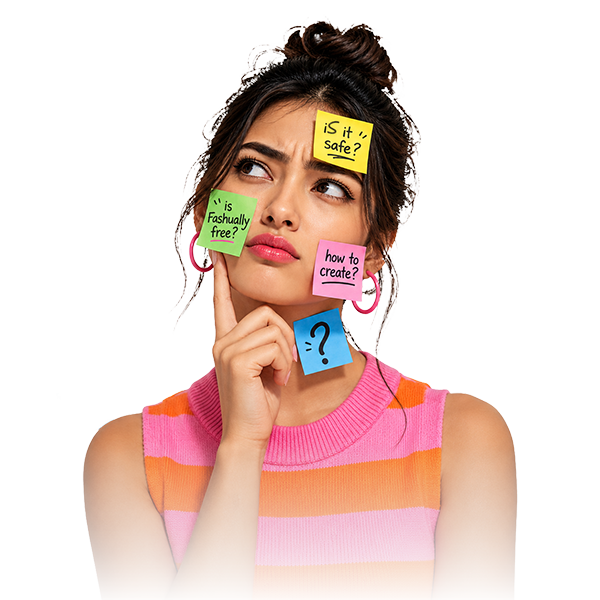
Is Fashually free?
Yes, it's free to use, with earned credits. Start with initial credits and earn more by watching Ads and referring your friends.
Is my Selfie safe?
Absolutely. Your Selfie is used only to create your Looks, and you're always in control - delete your account anytime. Full details are in our Privacy Policy.
Do I need modeling experience?
Not at all. Anyone can create a Look - that's the whole idea. Our Al automatically adjusts lighting, posture, and expressions so you get a professional-looking editorial shot every time, regardless of your starting photo.
What can I use as an Outfit?
You can select from our extensive built-in gallery of Outfits, or simply upload flat-lay photos of Outfits you want to try on.
Can I change the Pose or Background?
Yes! Once your model and outfit are set, you can swap backgrounds-from Parisian streets to a clean studio-and choose different poses with a single tap.
Which devices does Fashually work on?
It is available on both iOS and Android devices.